
Core features today, platform depth planned for tomorrow.
JobZio is being shaped as more than a file cabinet or calendar. The goal is a connected operating platform for contractor workflows.
Foundational construction workflow tools.
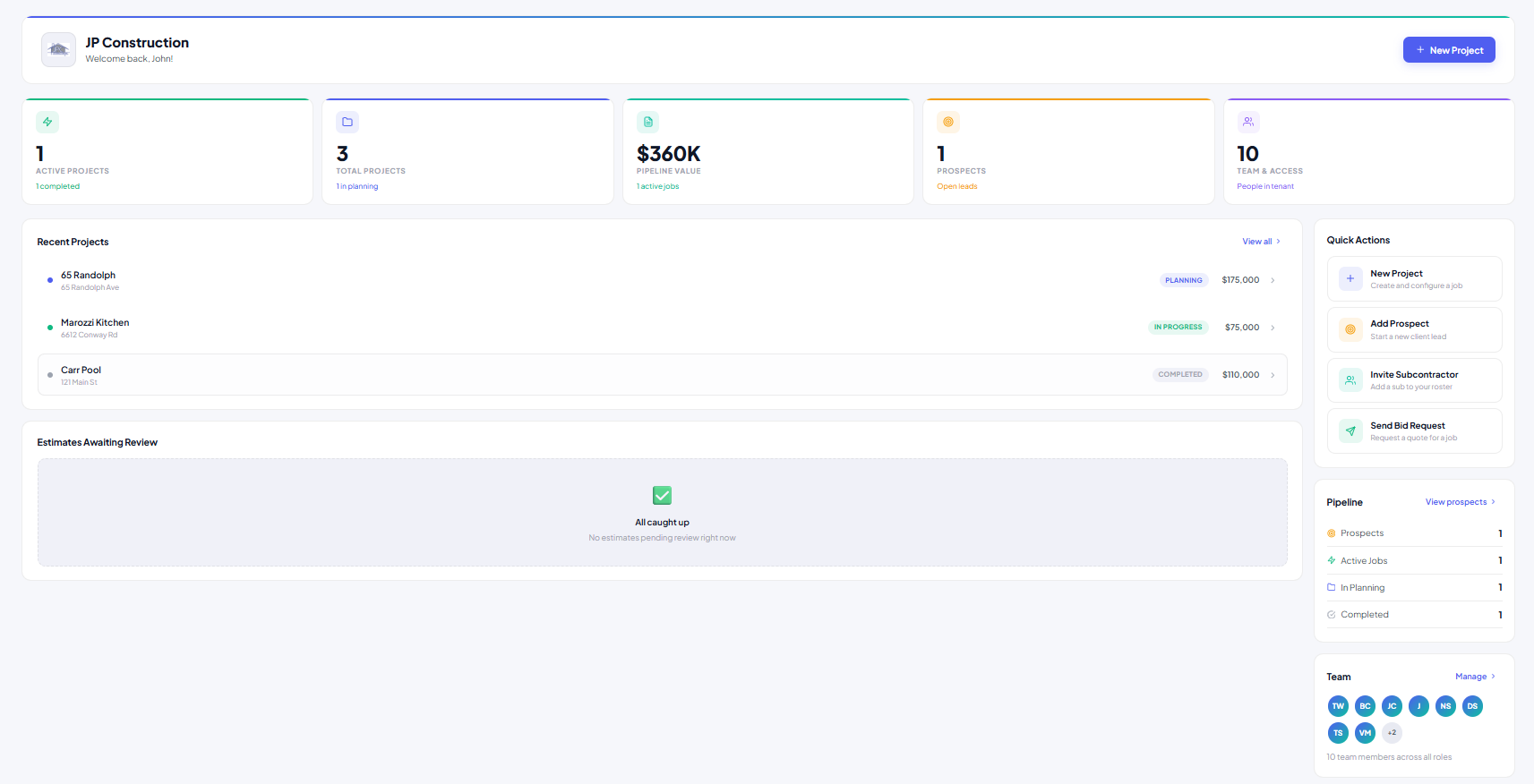
Project management
Project overview, owner details, assigned users, status, files, notes, and history.
Bid workflow
Plan distribution, bid requests, estimate uploads, version tracking, approvals, and rejections.
Scheduling
Gantt view, dependencies, milestones, templates, and schedule tracking.
File control
Project files, tags, photos, plans, permissions, and visibility by user role.
Comments + photos
Project-specific notes, trade communication, client-visible updates, and site documentation.
Role permissions
Contractor, PM, subcontractor, and client views with controlled access.
Planned platform expansions.
These are intended expansion areas that can grow JobZio beyond base project management.
AI Project Summaries
Weekly or milestone summaries based on notes, schedule changes, files, photos, and project activity.
Estimate Mapping & Budget Tracking
Map subcontractor estimates into budget categories, compare versions, and track accepted bid values.
Accounting Integrations
Planned QuickBooks and Xero integrations for approved estimates, change orders, and project financial data.
Advanced Reporting & KPIs
Cross-project analytics, bid activity, delays, team performance, and contractor-level operational dashboards.
Client Communication Center
Approved summaries, milestone updates, selected photos, comments, and visibility-controlled client communication.
Template Library
Residential templates for new builds, remodels, kitchens, bathrooms, pools, ADUs, decks, and patios.
Mobile-first alerts remain central.
The mobile experience should emphasize alerts over heavy data entry: bid requested, comment added, file uploaded, schedule changed, estimate accepted, or revision requested.